2026 Logitech Masterpiece:
MX Master 4 with Haptics & MX Keys S Review
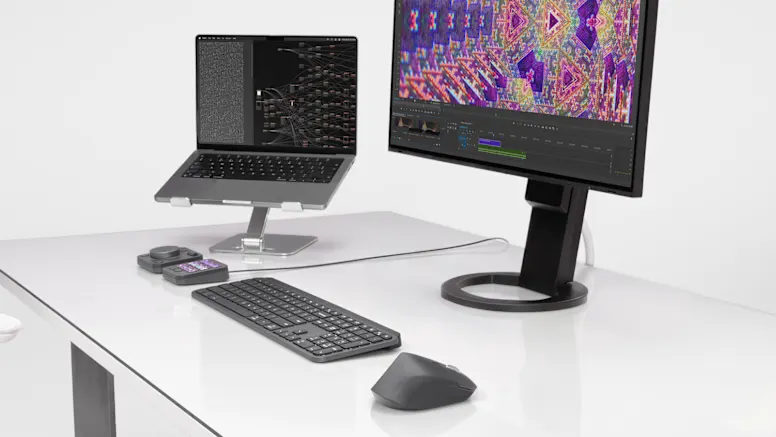
The pinnacle of productivity, Logitech's MX series, has reached a new milestone in 2026. The long-awaited **MX Master 4** has finally arrived, bringing innovation through 'Haptic Feedback.' Paired with the legendary **MX Keys S**, this duo remains the ultimate gold standard for any workspace.
MX Master 4: The Haptic Revolution
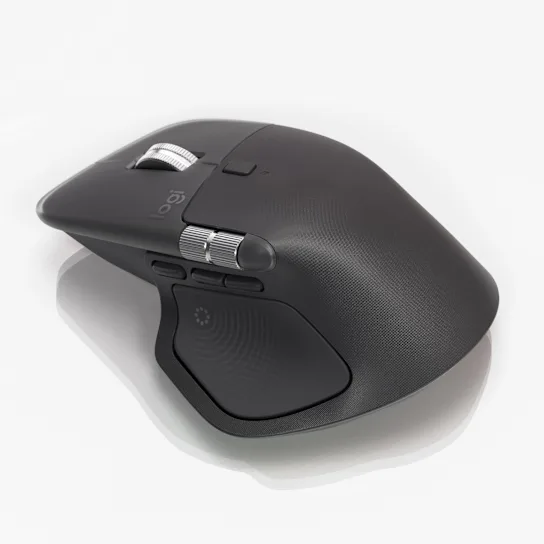
- Next-Gen Haptic Feedback: Delivers mechanical-like haptic responses during clicks and scrolls for precision work.
- 8K DPI Darkfield Sensor: Works flawlessly even on glass, optimized for high-resolution displays.
- Silent Click Evolution: Quieter than ever while maintaining a satisfying tactile feel.
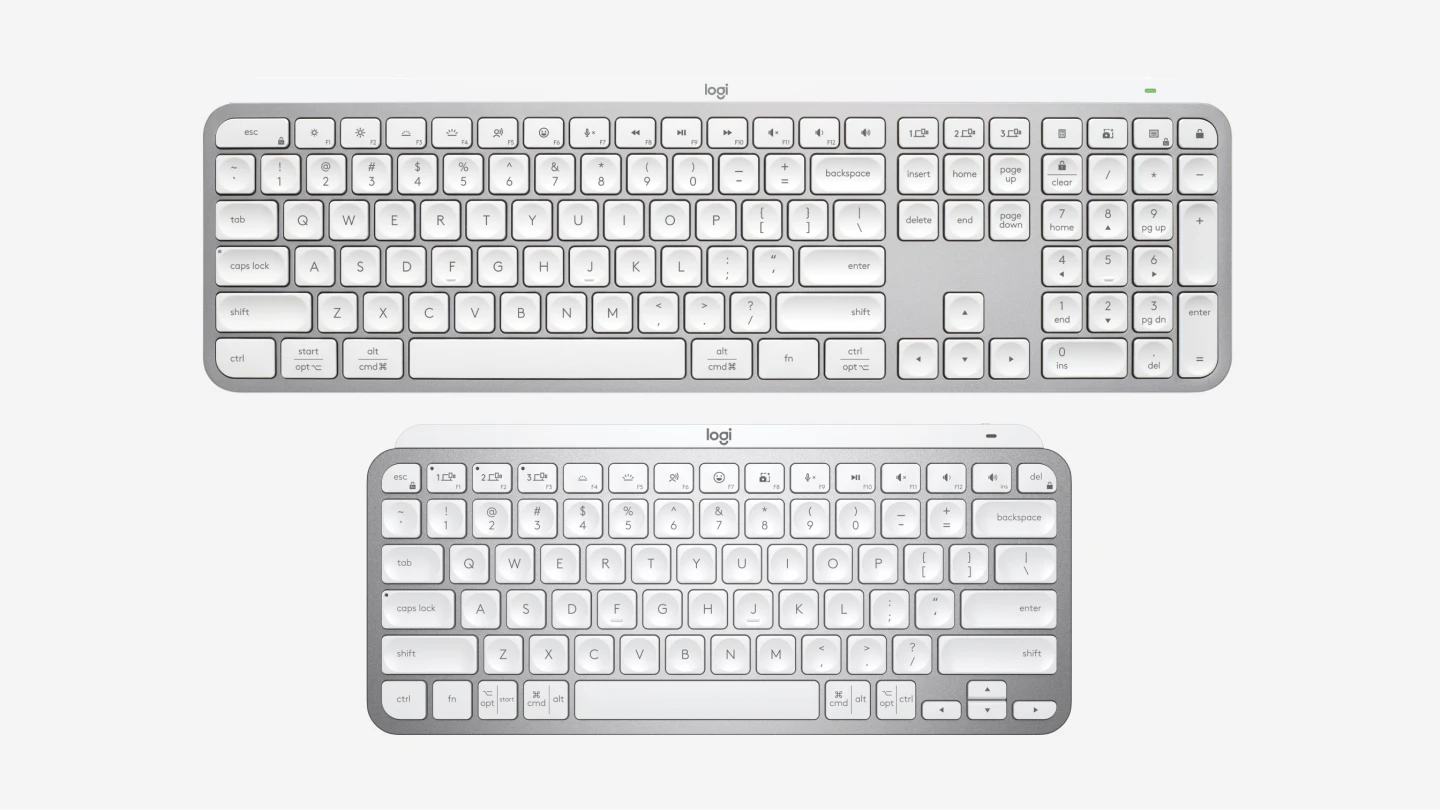
MX Keys S: The Master of Typing
- Tactile Low-Profile: Spherically-dished keys meet low travel distance for fatigue-free typing.
- Smart Actions: Automate complex macros via Logi Options+ for maximum efficiency.
- Smart Backlighting: Proximity sensors adjust brightness automatically based on your presence.
Logi Bolt Synergy: The Clean Workspace
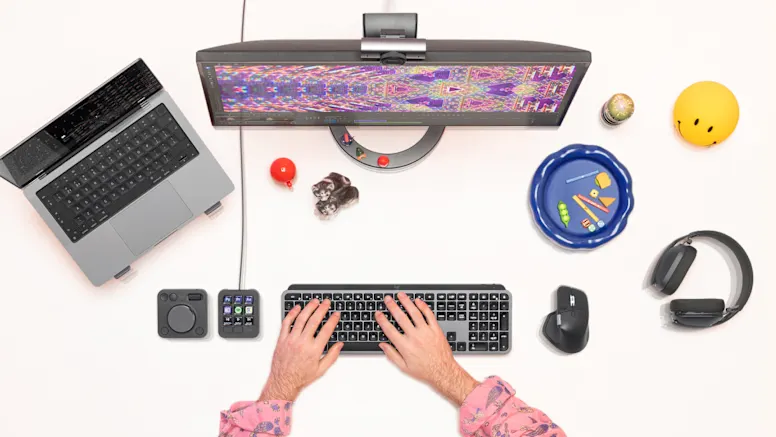
Connect both devices with a single **Logi Bolt** receiver to save USB ports and maintain a clean, wire-free desk setup. This is a must-have for high-performance laptop users.
Why Pros match this with MacBook Pro M5 & Galaxy Book6 Pro:
- **Powerful Multi-Pairing:** Switch between 3 devices instantly. Seamlessly move between MacBook Pro M5 and Galaxy Book6 Pro.
- **Logitech Flow:** Control multiple computers with one mouse and keyboard, including copy-pasting files across OSs.
Buying Guide
"The combination of the proven **MX Keys S** and the innovative **MX Master 4** is the most foolproof and advanced desk setup available in 2026."
As an Amazon Associate or affiliate, we may earn from qualifying purchases. This does not affect your purchase price.